

Let’s be honest: the first time you saw a handheld SLAM laser scanner in action, it felt a bit like magic. No tripods, no levelling, no waiting three minutes for a single rotation. Just walk, wave, and, presto, a 3D point cloud appears on your screen like you’re some sort of digital wizard.
But here’s the reality check we often have to give our clients at PQS Tech: just because a slam 3d laser scanner makes data collection look easy doesn’t mean the data itself is good. We’ve seen enough "drifting" hallways and "banana-shaped" warehouses to know that SLAM (Simultaneous Localisation and Mapping) is only as smart as the person holding the handle.
If you’re moving over from traditional Terrestrial Laser Scanning (TLS) or you’re a BIM manager trying to figure out why your models don’t line up, you’re likely making one of these seven common mistakes. We’re here to help you fix them before your next project turns into a data nightmare.
1. The "Straight Line" Walk (And the Lack of Loop Closure)
The biggest mistake we see? Treating a SLAM scanner like a torch. You walk from Point A to Point B in a straight line, finish the scan, and wonder why the end of the building is three metres out of place.
SLAM technology relies on "matching" features as you move. Because it’s constantly calculating your position relative to your surroundings, small errors, known as "drift", build up over time. If you don’t give the software a chance to correct those errors, they stay there.
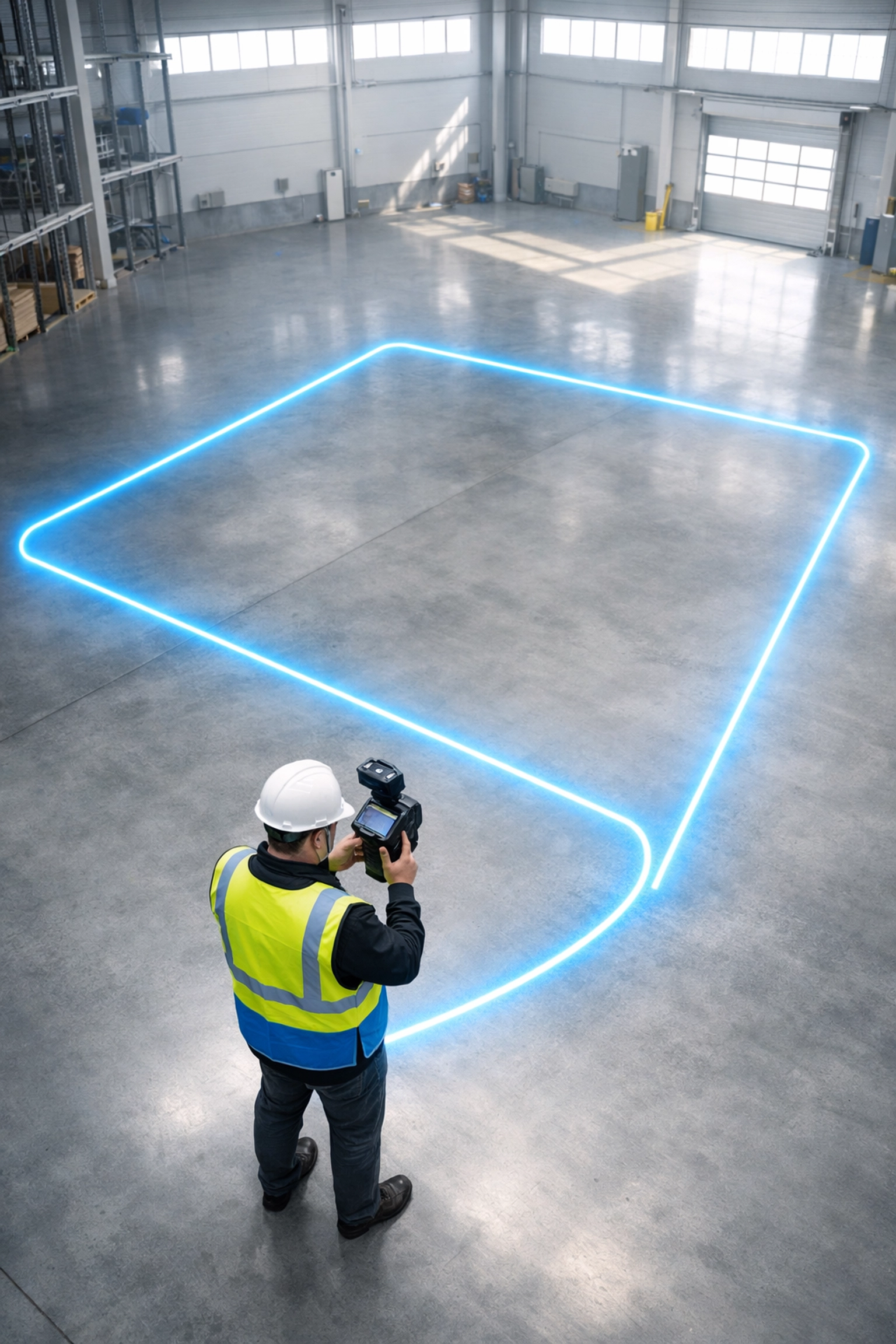
The Fix: You need to embrace the "Loop Closure." Start your scan at a known point, walk your route, and always return to that exact same spot to finish. This tells the algorithms: "Hey, this is the same place we started," allowing the software to "snap" the data back into alignment and distribute the error evenly. Think of it like a digital rubber band; without that loop, the band just keeps stretching.
2. Scanning in "Featureless" Environments
A survey laser scanner using SLAM is only as good as the geometry it can see. If you’re walking down a 50-metre long, perfectly smooth hospital corridor with white walls and no doors, the scanner has nothing to "grip" onto. The scanner thinks it’s standing still because every frame looks identical to the last, leading to massive data compression or stretching.
The Fix: You need to give the scanner some "anchors." If the environment is featureless, add some. Even something as simple as leaving a few equipment cases in the hall or sticking cardboard boxes to the wall can give the SLAM algorithm the geometric "texture" it needs to track movement accurately. At PQS Tech, we often suggest looking for stairs or complex doorways to help "reset" the scanner’s spatial awareness.
3. Treating BIM Requirements Like an Afterthought
We get a lot of calls from people who bought a scanner online, only to realise the data isn’t fit for Scan-to-BIM workflows. If you are scanning for facility management or complex construction models, your tolerances are tight.
Many users move too fast, thinking the SLAM will catch everything. The result? A "noisy" point cloud where walls look like they’re made of cotton wool. When a BIM or CAD modeller tries to pick a face on that wall, they’re guessing within a 20-30mm range.
The Fix: Slow down. While a handheld slam laser scanner is fast, it still needs time to resolve detail. If you’re heading into a high-accuracy project, ensure you’re using a device designed for it, like the CHCNAV RS10 or RS30, which integrates SLAM with GNSS RTK for much higher global accuracy. Precision isn't just about the hardware; it’s about the walking pace and the overlap.

4. Neglecting Survey Control Points
This is where we separate the professionals from the hobbyists. Some of our competitors will tell you that you don't need control points with SLAM. They are, quite frankly, wrong.
If you want your scan to sit correctly in the real world (OS National Grid, for example), or if you need to merge multiple scans of a large site, you must use survey control. Without it, you’re just creating a pretty picture that floats in digital space.
The Fix: Use "SLAM targets" or known points that have been coordinated with a total station. By collecting these points during your walk, you can tie your SLAM data to a high-accuracy framework. This eliminates the "banana" effect on long-distance scans and ensures your data is actually useful for mapping and GIS.
5. The "Waving" Technique (Motion Blur)
We’ve all seen the videos of people waving scanners around like they’re painting a fence. While some modern scanners can handle a bit of "dynamic" movement, aggressive swinging of the device creates motion blur in the data. This leads to "fuzzier" point clouds and makes feature recognition much harder for the software.
The Fix: Keep it steady. Imagine you’re carrying a very full cup of tea that you don't want to spill. Smooth, fluid movements are the secret sauce. If you need to capture a ceiling, tilt the scanner slowly and deliberately. Your post-processing software, and your CAD technician, will thank you for it.

6. Underestimating Post-Processing Time
One of the biggest shocks for new users is that "fast scanning" doesn't always mean "fast results." If you collect 10GB of data in 10 minutes, that data still needs to be processed. If you’ve made some of the mistakes mentioned above (like poor loop closure), you’ll spend hours in the office trying to "fix" a broken scan.
The Fix: Use robust software like CoPre or CoProcess. These tools are designed to handle the heavy lifting of LiDAR data draughting and point cloud optimisation. More importantly, getting the "fieldwork" right (Mistakes 1-4) will cut your office time by half. We always say: ten minutes of extra care on-site saves two hours of swearing at a computer screen.
7. Using the Wrong Tool for the Job
Finally, the biggest mistake is purely strategic. Sometimes, a slam 3d laser scanner isn't the right tool. If you need sub-millimetre accuracy for a bridge structural analysis, SLAM isn't your friend: you need a Terrestrial Laser Scanner (TLS). Conversely, if you’re trying to map a forest or a busy highway, a TLS will take you weeks, whereas a mobile SLAM unit will take hours.
The Fix: Don’t be a "one-tool" wonder. At PQS Tech, we look at your specific project requirements and ensure the hardware, and software, is up for the task. Whether it’s the CHCNAV ViLi i100 for versatile GNSS work or something more specialised like the Apache 6 for marine environments, the "fix" is having an expert partner who knows the difference.
The PQS Tech Difference
Look, we get it. There are plenty of places where you can click "buy" on a scanner and hope for the best. But at PQS Tech, we live and breathe this data. We aren't just selling you a survey laser scanner; we’re selling you the ability to produce precision data that you can actually trust.
If you’re tired of "dodgy" point clouds and want to step up your game, don't just buy a box. Get a partner who knows how to use it. Whether you are in surveying, setting out, or large-scale infrastructure, we’ve got the gear and the "boots-on-the-ground" experience to make sure your next scan is perfect.
Ready to stop making mistakes and start mastering SLAM? Get in touch with our team today for a no-nonsense consultation on the right kit for your workflow. No fluff, just precision.
0 comments