Video Support
Configuring an External Radio - LandStar 8 - PQS Tech Support
Configuring GNSS for Static Obs - LandStar 8 - PQS Tech Support
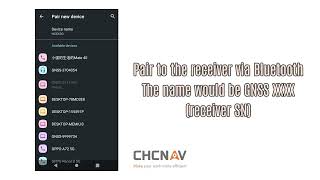
Connect To Instruments - LandStar 8 - PQS Tech Support
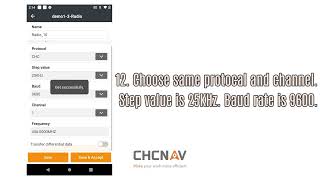
Internal Radio Config - LandStar 8 - PQS Tech Support
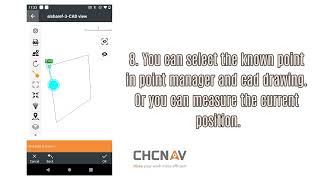
Start Base on Known Point - LandStar 8 - PQS Tech Support
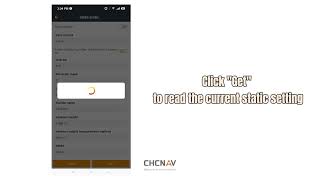
Log Static GNSS Data - LandStar 8 - PQS Tech Support
Copy Static Data from GNSS - LandStar 8 - PQS Tech Support
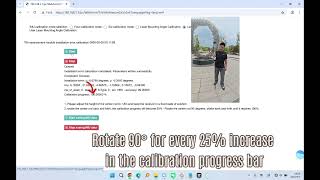
Laser Calibration - LandStar 8 - PQS Tech Support

Activation - LandStar 8

NTRIP Config - LandStar 8
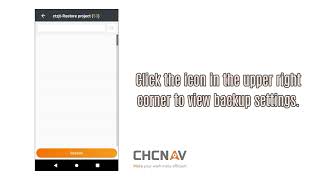
Creating Projects - LandStar 8 - PQS Tech Support
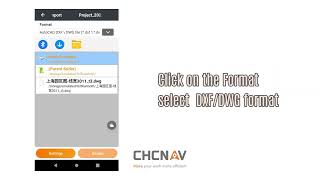
Import Data - LandStar 8 - PQS Tech Support
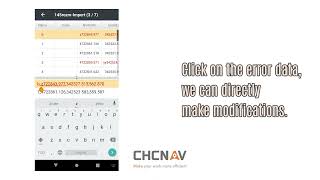
Import Review - LandStar 8 - PQS Tech Support
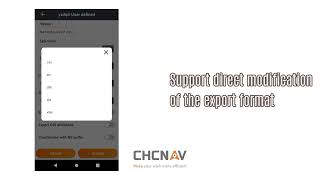
Export - LandStar 8 - PQS Tech Support
Sharing Files - LandStar 8 - PQS Tech Support
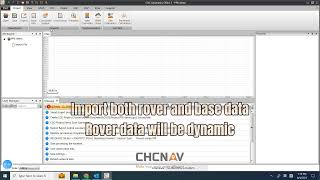
PPK Workflow - LandStar 8 & CGO2 - PQS Tech Support
Visual Survey - LandStar 8 - PQS Tech Support
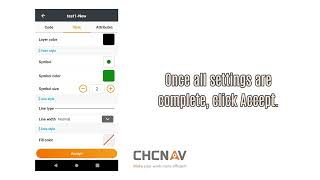
Codes - LandStar 8 - PQS Tech Support

Quick Code - LandStar 8 - PQS Tech Support

Multi-Code a Point - LandStar 8 - PQS Tech Support

Continuous Survey - LandStar 8 - PQS Tech Support

Laser Survey - LandStar 8 - PQS Tech Support
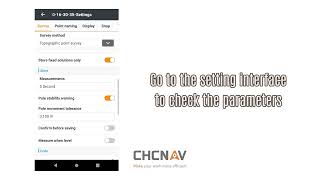
Point Survey - LandStar 8 - PQS Tech Support
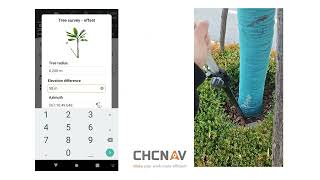
Tree Survey - LandStar 8 - PQS Tech Support
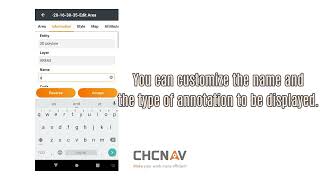
Area Survey - LandStar 8 - PQS Tech Support

Plot Deed - LandStar 8 - PQS Tech Support
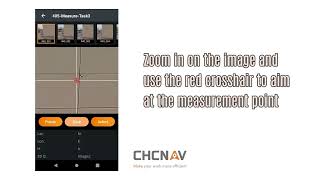
Visual Survey - LandStar 8 - PQS Tech Support

Control Survey - LandStar 8 - PQS Tech Support

Map Survey - LandStar 8 - PQS Tech Support
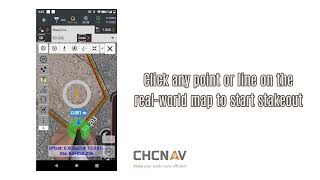
AR Stakeout - LandStar 8 - PQS Tech Support
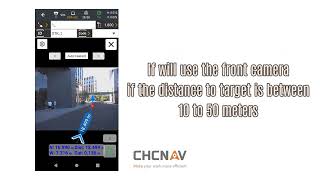
Visual Point Stakeout - LandStar 8 - PQS Tech Support
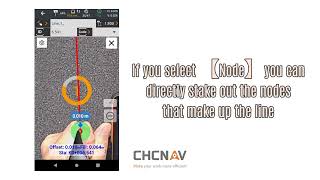
Visual Line Stakeout - LandStar 8 - PQS Tech Support
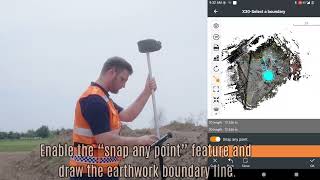
Volumetric Point Cloud Scan - LandStar 8 - PQS Tech Support
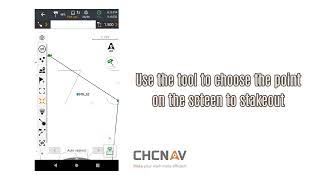
Point Stakeout - LandStar 8 - PQS Tech Support
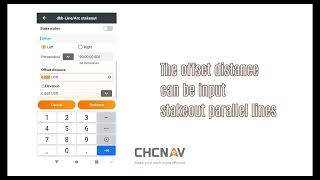
Line Stakeout - LandStar 8 - PQS Tech Support
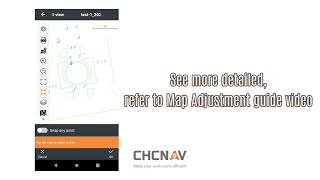
CAD View - LandStar 8 - PQS Tech Support
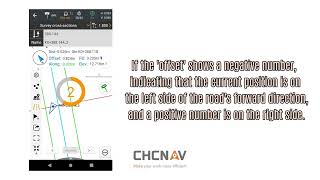
Road Stakeout / Cross Section Survey - LandStar 8
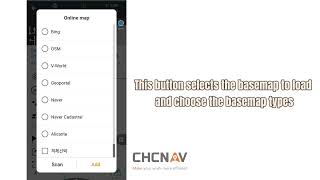
Road Stakeout 2 - LandStar 8
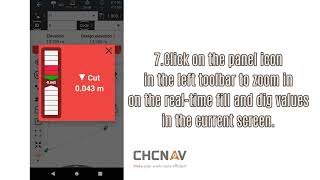
Surface Stakeout - LandStar 8 - PQS Tech Support
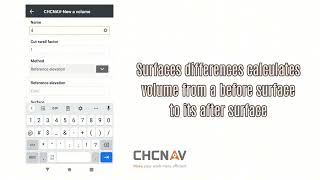
Volumes - LandStar 8 - PQS Tech Support
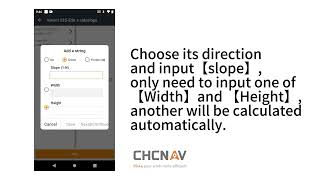
Sideslope Stakeout - LandStar 8 - PQS Tech Support
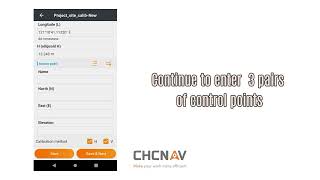
Site Calibration - LandStar 8 - PQS Tech Support
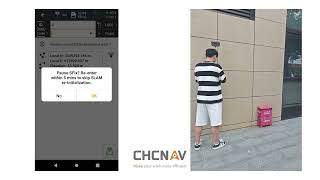
SFix - LandStar 8 - PQS Tech Support

ViLiDAR - LandStar 8 - PQS Tech Support
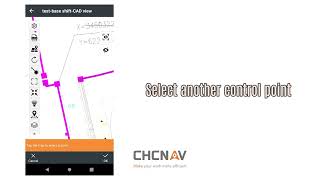
Map Adjustment - LandStar 8 - PQS Tech Support
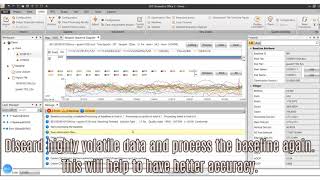
Static GNSS Data Solution in CGO - LandStar 8 - PQS Tech Support
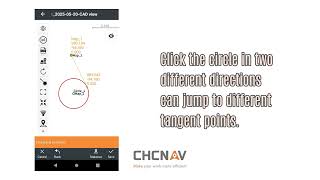
Tangent Point - LandStar 8 - PQS Tech Support
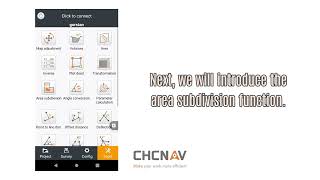
Area & Area Subdivision - LandStar 8 - PQS Tech Support
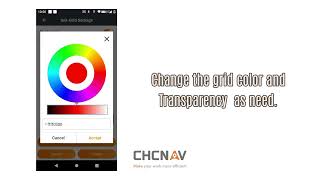
Grid Settings - LandStar 8 - PQS Tech Support
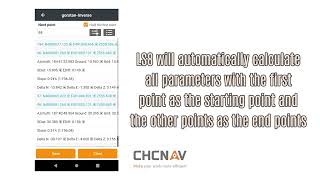
Inverse - LandStar 8 - PQS Tech Support
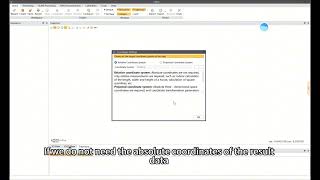
How to Create a New Project & Set Coordinate Systems
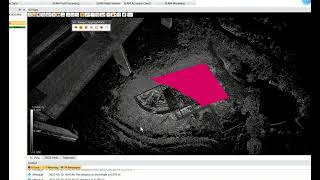
Loading Real-Time SLAM Point Clouds
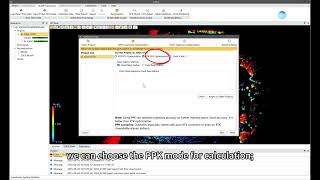
PPK vs RTK vs OnlySLAM: Which Processing Method is Best?
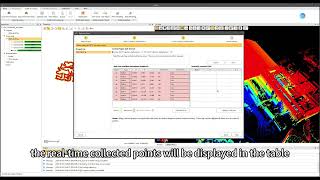
How to Process TGCPs in CoPre
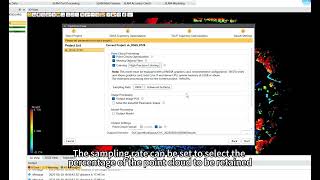
How to Configure Advanced SLAM Optimisation Parameters
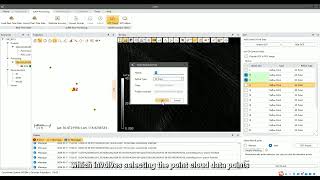
Shift Point Clouds to Real-World Coordinates: CoPre GCP Adjust
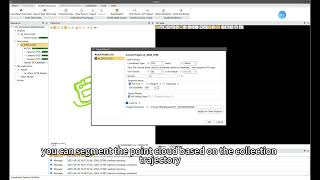
How to Export SLAM Point Cloud Data
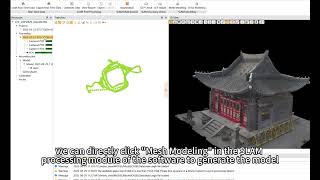
How to Output an OBJ Mesh Model from SLAM Data
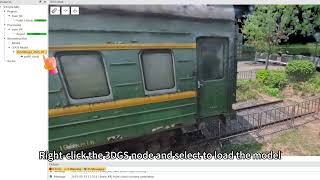
How to Output a 3D Gaussian Splat (3DGS)
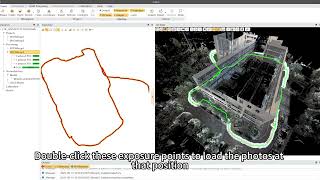
How to View Camera Exposure Points
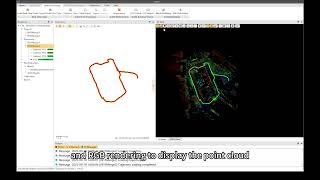
How to View & Slice Point Cloud Data
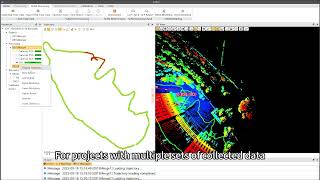
How to Verify Scan Overlap & Spot Errors with the Slice Tool
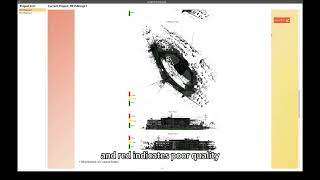
How to Read a SLAM Optimisation Report in CoPre
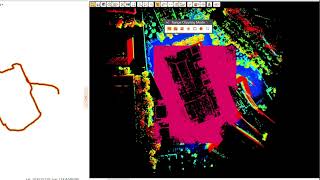
How to Clip & Delete Point Cloud Data in CoPre
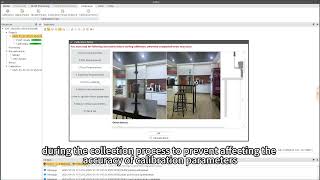
How to Calibrate Your Insta360 Camera in CoPre
How to Access FAQs & User Operation Manuals
How to Register Multi-Session SLAM Data in CoPre
How to Load Point Clouds in CoProcess 2025
How to Use the Drawing Manager in CoProcess 2025
How to Use the Layer Manager in CoProcess 2025
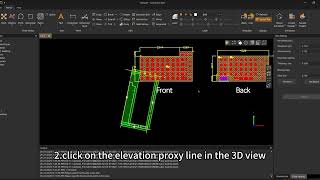
How to Use the Facade Projection Tool in CoProcess 2025
How to Join Lines & Arcs into Single Segments in CoProcess 2025
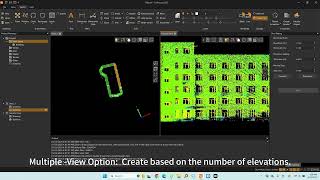
How to Create Building Facades from Point Clouds in CoProcess 2025
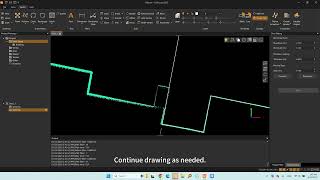
How to Extract 2D Linework Relative to a Plane in CoProcess 2025
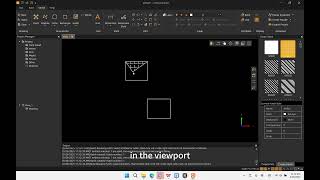
How to Hatch by Drawing a Boundary in CoProcess 2025
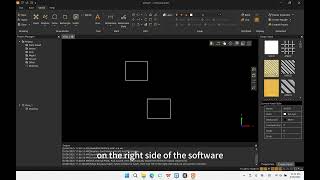
How to Use the Hatch Tool in CoProcess 2025
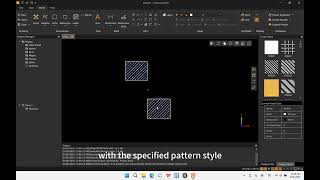
How to Hatch by Selecting Internal Points in CoProcess 2025
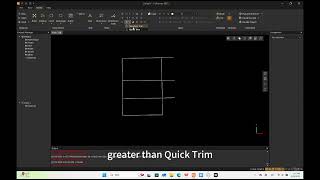
How to Use Quick Trim in CoProcess 2025 (Faster Cleaning)
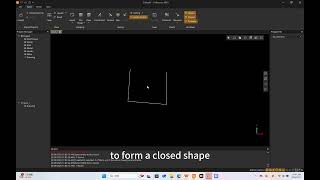
How to Close Polylines in CoProcess 2025 (Fast & Easy)
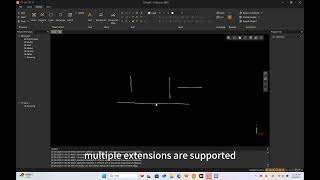
How to Use the Extend Tool in CoProcess 2025
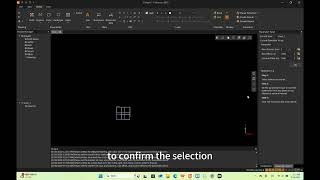
How to Use the Array Function in CoProcess 2025
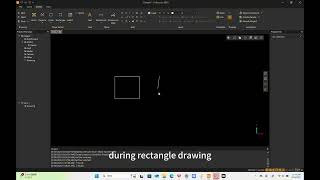
How to Draw Angled Rectangles in CoProcess 2025 (3-Point Tool)
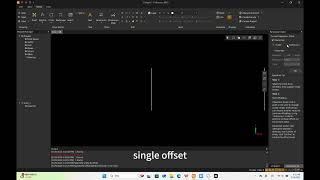
How to Use the Offset Tool in CoProcess 2025
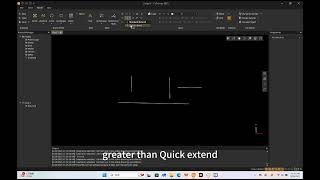
How to Use Quick Extend in CoProcess 2025 (One-Click Method)
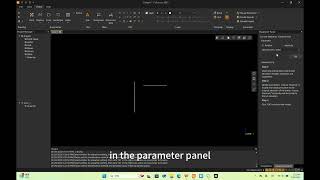
How to Edit Elevations for Points & Vectors in CoProcess 2025
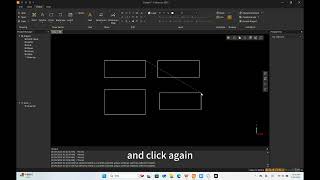
How to Copy and Duplicate Objects in CoProcess 2025
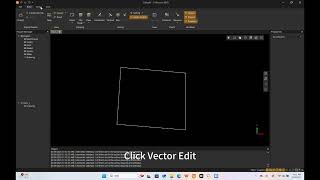
How to Use the "Break" Command in CoProcess 2025
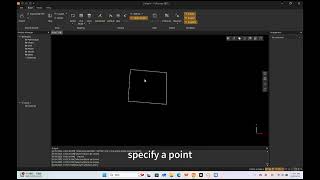
How to Use "Break at Point" in CoProcess 2025
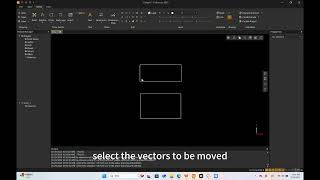
How to Move Objects with Precision in CoProcess 2025
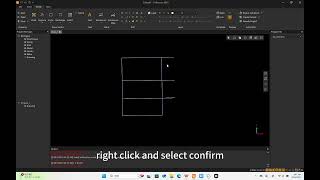
How to Use the Trim Command in CoProcess 2025
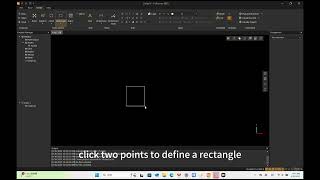
How to Draw a Two Point Rectangle in CoProcess 2025
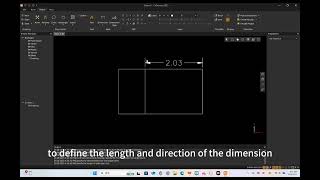
How to Add Aligned Dimensions in CoProcess 2025
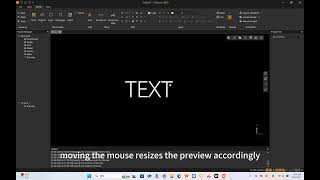
How to Add and Edit Text in CoProcess 2025
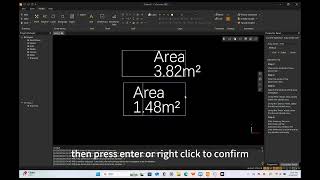
How to Calculate and Dimension Areas in CoProcess 2025
How to Register and Log In to CHCNAV CoCloud
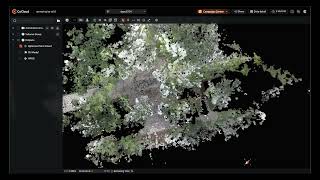
CHCNAV CoCloud Interface & Page Layout Introduction
How to Process RS10 Handheld SLAM LiDAR Data in CHCNAV CoCloud
How to Process AA9 & AA10 LiDAR Data in CHCNAV CoCloud
How to Calculate and Compare Volumes in CHCNAV CoCloud
How to Use Annotation & Measurement Tools in CHCNAV CoCloud
How to Process Image Data in CHCNAV CoCloud
How to Slice Point Clouds in CHCNAV CoCloud
How to Generate 3D Gaussian Splats in CHCNAV CoCloud
How to View and Download 3D Results in CHCNAV CoCloud
How to View and Download 2D Results in CHCNAV CoCloud
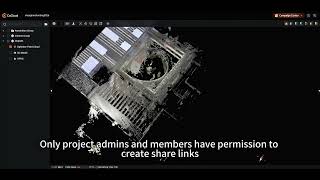
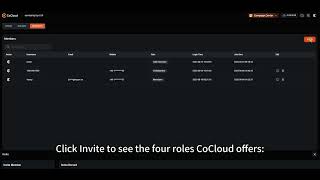
How to Share Datasets in CHCNAV CoCloud